My Ray Neo pro 4 will connect and work perfectly with my iPhone and pad, including my Mac. Interesting, No matter what I try it will not work with my DJI RC2. My firmware on the RC2 is up to date. I am using the correct cable USB-C cable that came with the Ray. I tried every possible connection sequence to the Ray Neo and the RC2 - nothing. Is there a firmware update for the Ray Neo? Believe me I tried everything.
Your RayNeo Air 4 Pro should work with the DJI RC 2 by plugging directly into the controller’s USB-C port to mirror the live drone feed.
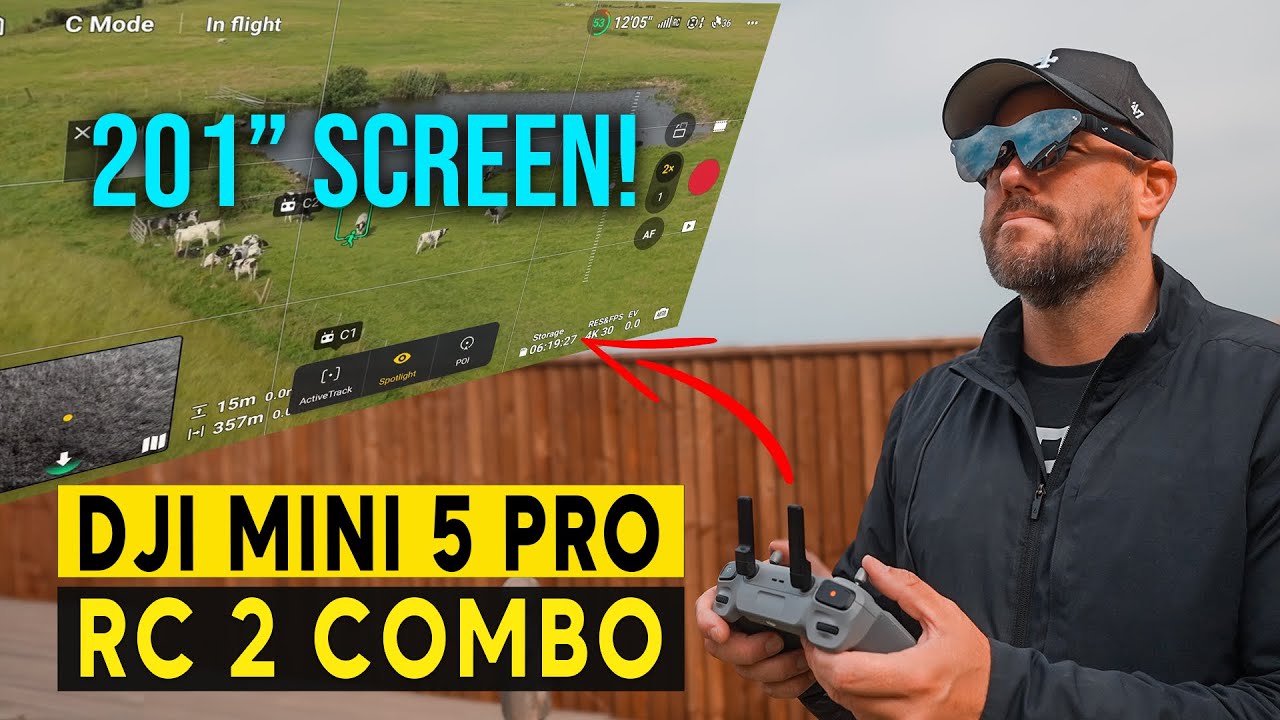
I also have Ray Neo Pro 4 and have no problems when connecting it to the DJI RC 2. Just plug in and it shows the same as you see on the RC 2 screen. Surprisingly easy. I must admit that I had to fiddle a lit before getting the right connection on my Android phone, but that was just because the User manual (if you can call it that) is crap.
Unfortunately I am afraid to purchase a new afraid I will have the same problem
I fully understand you. If the general quality is as the manuals, you can definiely risk something like that. Have you tried resetting to factory settings?
Reset and Recovery Steps
-
Preparation: Open the official RayNeo App on your connected phone.
-
Hold Minus: Press and hold the minus (-) side of the brightness rocker on the glasses frame.
-
Plug Cable: Keep holding the (-) button while plugging the USB-C cord into your phone.
-
Key Combo: Within 2 seconds of plugging it in, press the brightness plus (+) button once, then press the center of the brightness button once.
-
Firmware Flash: The app should detect the device state and prompt you to re-flash or recover the firmware.
I think that Finn_Gange’s remark about having to fiddle with it to get it to work with his android phone was to watch videos, not flying his drone…
Yes, you are correct. Apart from that is is a bit difficult to find a good position on the nose so you can see the whole picture, it actually works quite well on the RC 2.
1 Like
I appreciate your help but i think your phone method only works with andriod. i did find a way with an apple mac but it told me everything is up to date. Odd that i just cant get it to work and I don’t want to buy a new RC2 if it’s not the controller. RayNeo’s support is practically non existent and DJI must see RayNeo as a competitor and wants nothing to do with it. Totally frustrated.
Very strange. It works on both my RC 2’s and on my RC Pro 2. Just plug in and it works (when you put them on - it turns off if you haven’t got the glasses on).
I cannot believe DJI sees RayNeo as a competitor. They have nothing like it, and the Goggles is a different league. I guess DJI don’t care about the RayNeo. It’s not their problem, but you are right in that a lot is to be desired both regarding user manual and support from RayNeo.
Do you have a friend with a RC 2? If so you can test them on his controller, but I do suspect something is wrong with your RayNeo’s.
Funny you should ask about a friend with an RC2. I just joined several local groups with the hope of finding someone. I would buy a new RC2 in a heartbeat if I knew it would work. Also, my thought about DJI is exactly the reason why they are not acknowledging the RayNeo - it is because they don’t make anything like it and they should.
Can I ask you what firmware/ update do you have currently on your RC2?
Thanks for all your help.
Regarding DJI. Why should they support a product not created by them. RayNeo is just generic, functioning like a second display. This is not ground breaking technology. Blaiming DJI would be the same blaming a computer manufacturer because a screen you bought don’t work on your computer. You should rather consider that something is wrong with your RayNeo’s.
The issue is also when using the RayNeo, you are required to use a spotter, same as if you use Goggles. Goggles is a technology that is far ahead of RayNeo, why should DJI create a lesser product?
Anyway, the Fly version on my RC 2 is 1.21.8 with firmware version 10.00.800. Have you tried connecting your RC 2 to a different screen?
To connect a DJI RC 2 controller to an external display or monitor, use a compatible USB-C to HDMI cable or adapter. Connect the cable to the RC 2 and the monitor before powering on the controller to ensure the video signal initializes correctly.
Steps to Connect
-
Plug the USB-C end of a USB-C to HDMI cable (or a USB-C hub with an HDMI port) into the data port of the DJI RC 2.
-
Connect the HDMI end of the cable into your external monitor, TV, or capture card.
-
Turn on the external display first if required.
-
Power on your DJI RC 2 controller. The screen will mirror automatically during boot-up.
If this works, you know that nothing is wrong with your RC 2.
Again, I truly appreciate your helping me. I guess you would need to be more exposed to what I’ve been through with DJI regarding this issue. I never asked DJI to support the RayNeo. DJI has not acknowledged that the RC2 has video out.
I have tried the hdmi route as well and still no luck. I also tried it in every possible sequence regarding the connections
I hope it may be related to my firmware because I’m pretty certain the RayNeo’s are good.
If using another screen does not work out, you will also not get the RayNeo to work.
Especially if you have tried with a compatible cable (USB-C to HDMI). Here is a video showing this:
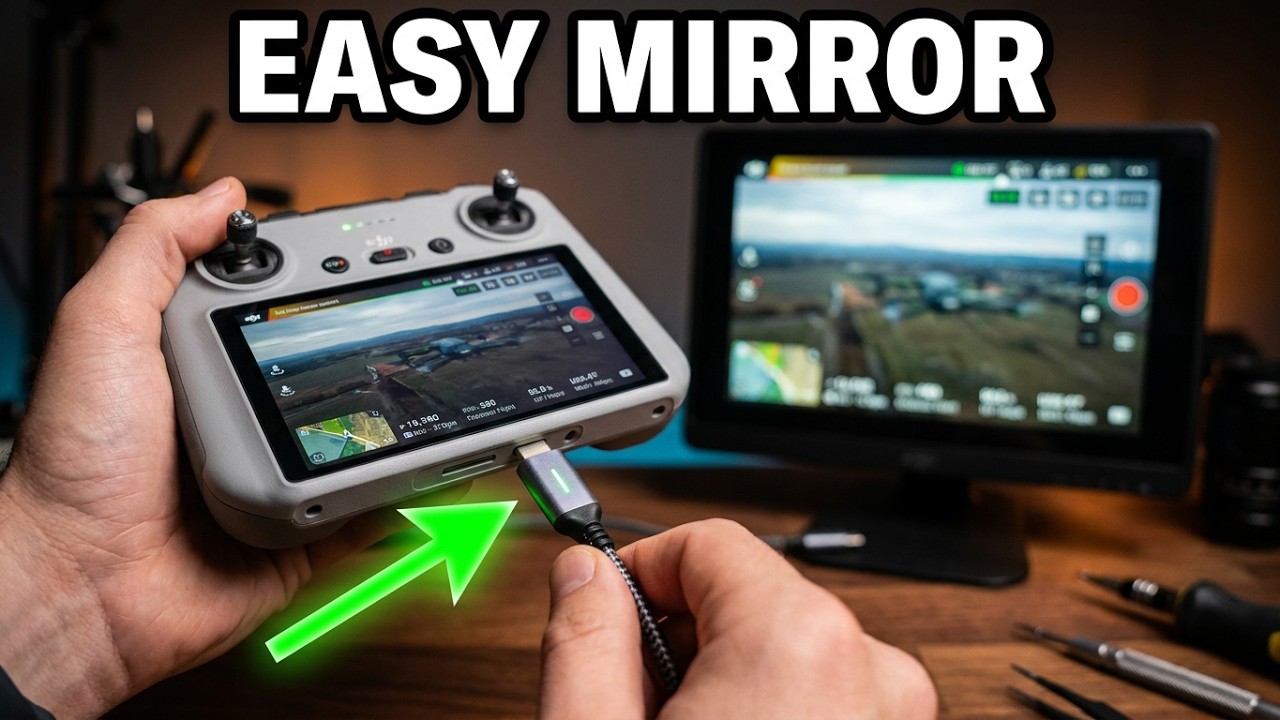
Interesting that I had seen this video along with a few others on YouTube. Subsequently, I purchased the very HDMI adapter that he references. In fact, I tried two different brands and neither of them worked. I also tried differing start up and shut down procedures looking for that handshake to take place, but never happened. I am 99.9% convinced it’s my RC2 but I’m still reluctant to spend all that money on a new one and then the same thing happens. May I RC2 works perfectly with my Drones there’s no obvious sign of it having any issue. Going forward I need to find someone in the greater Orlando, Fl area who hopefully recently purchased an RC2 and see if it works my RayNeos. All I can say is my RayNeos work with everything else - again thanks for all your support with this issue.
My pleasure. I hope you find a solution!
I second this problem. I bought both of the devices, connected them but failed to. I was hoping to find a solution but couldn’t..