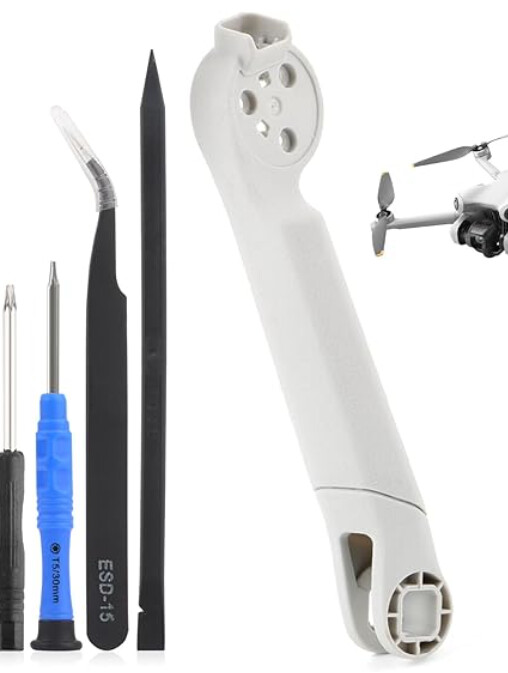
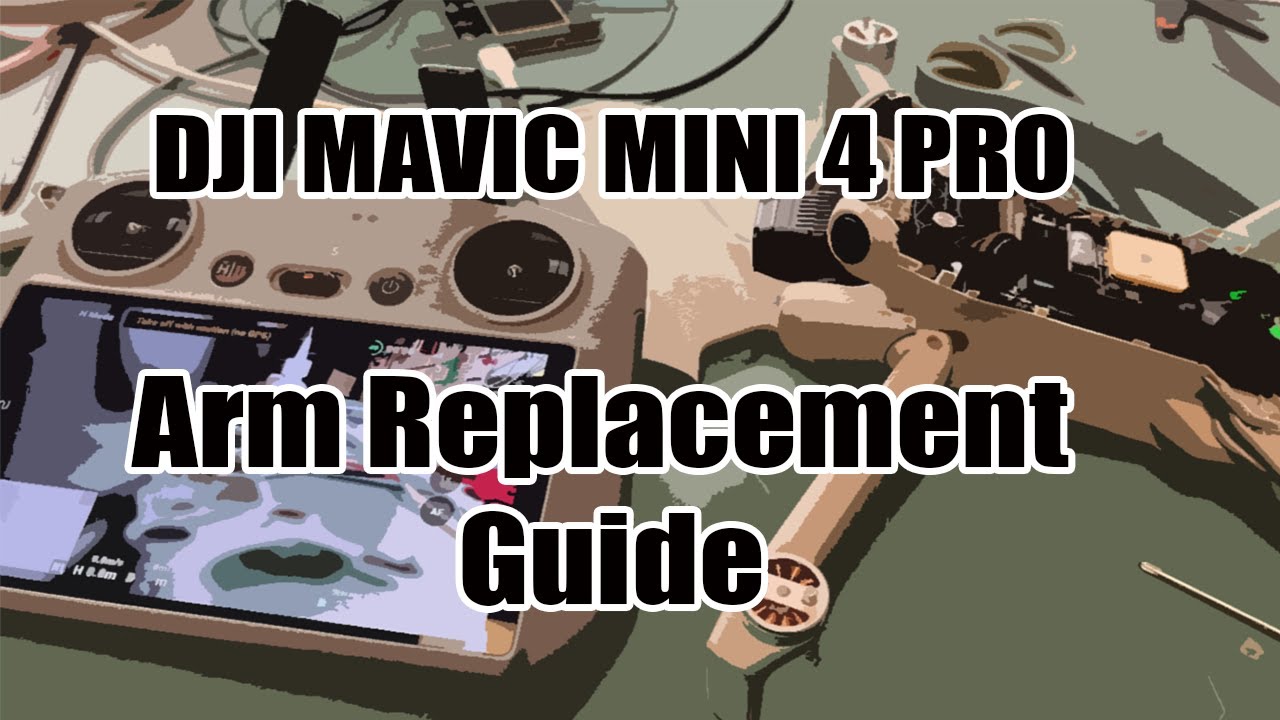
My DJI Mini 4 Pro’s rear left arm (the plastic part only) broke recently. The motor is completely fine and still working, so I ordered just the plastic arm replacement (without a motor). I’ve attached a photo of the replacement part I bought.
I’m trying to replace it, but I can’t figure out how to detach the original plastic arm from the drone. All the videos online show front arm replacements, or full disassembly all the way to the motherboard with soldering, which I’m trying to avoid.
My goal is to simply swap the broken plastic arm without touching the motor, wires, or internal components. No soldering, no motherboard teardown — just a clean mechanical arm replacement if possible.
But you need to get inside to solder the motor wires to the Electronic Speed Control (ESC)… You can also try searching DJI’s Web Site, other Drone Web Sites, and independent posted videos on web pages…
Lol as you mentioned there are wires running through the arm that connect to boards/components in the main body of the drone. How do you expect to dis/reconnect them without opening it up?
I did not say, do not go inside, I said that the OP had to get inside to solder the motor wires to the Electronic Speed Control (ESC) after they replace the arm… It was the OP who wrote “I don’t want to open the entire drone.”
I told the OP to research it so that they know the extent of the repair and how to open the shell of the body with the least damage…
There have been plenty of postings from folks who took a screwdriver and pried the shells apart as if they were opening an old can of paint and broke all the locking tabs off and had to hold the top shell on with scotch tape…
Cut the wires and butt splice them is the method I’ve seen on YouTube.I had this problem once and I tried to de solder and then resolder but I believe to much heat got to the mother board and caused it to over heat ever time it went up after that. I kept getting the message “Motor overheating” Landing. Had I just butt spliced the wires I’d been O,K. I believe. Cause the arm and propeller worked fine.
I am sorry, I cannot help you with this… I do not know if you fluxed and tinned the wires before trying to solder them… soldering connections dry can cause overheating and damage to the circuit board… I also dod not know if your soldering iron was appropriate for soldering circuit boards… A lot of soldering irons are fine for routine work, but get too hot for circuit boards…