Note: Exporting your flight data from Airdata requires an HD 360 Gold plan or higher. If you’re currently using the HD Free or HD 360 Lite plan, you’ll need to subscribe to HD 360 Gold for $6.99 for one month. Once you’ve retrieved your flight log data, you can cancel the subscription.
Follow these steps to export all flight logs from your Airdata account:
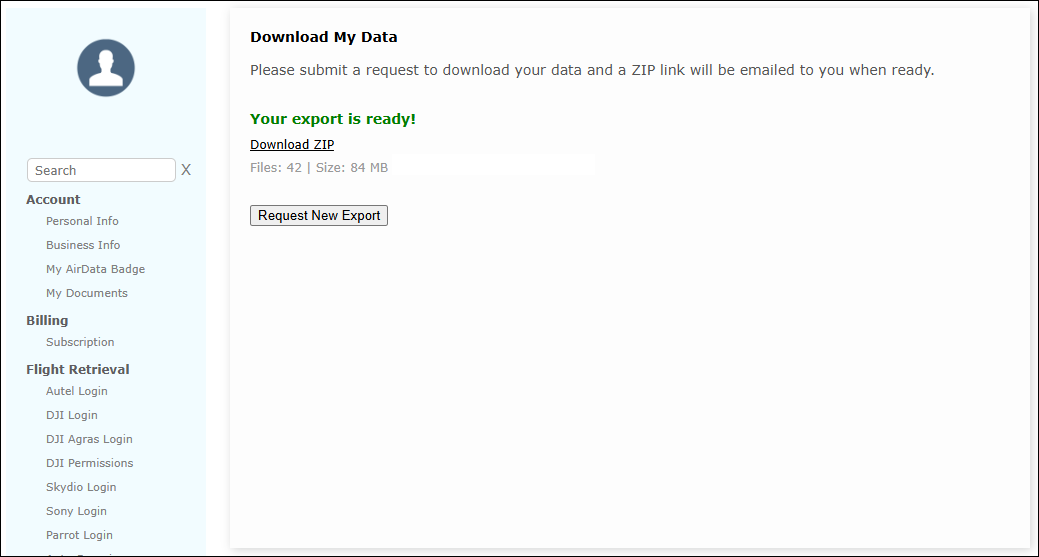
1) Log in to your Airdata account and go to the My Data > Download My Data page.
2) Click the Request Data Export button.
3) Click Yes when prompted to export your data.
4) You’ll see a message confirming that your request has been submitted. Refresh the page periodically to check the export status. Once the export is complete, a Download ZIP link will appear.