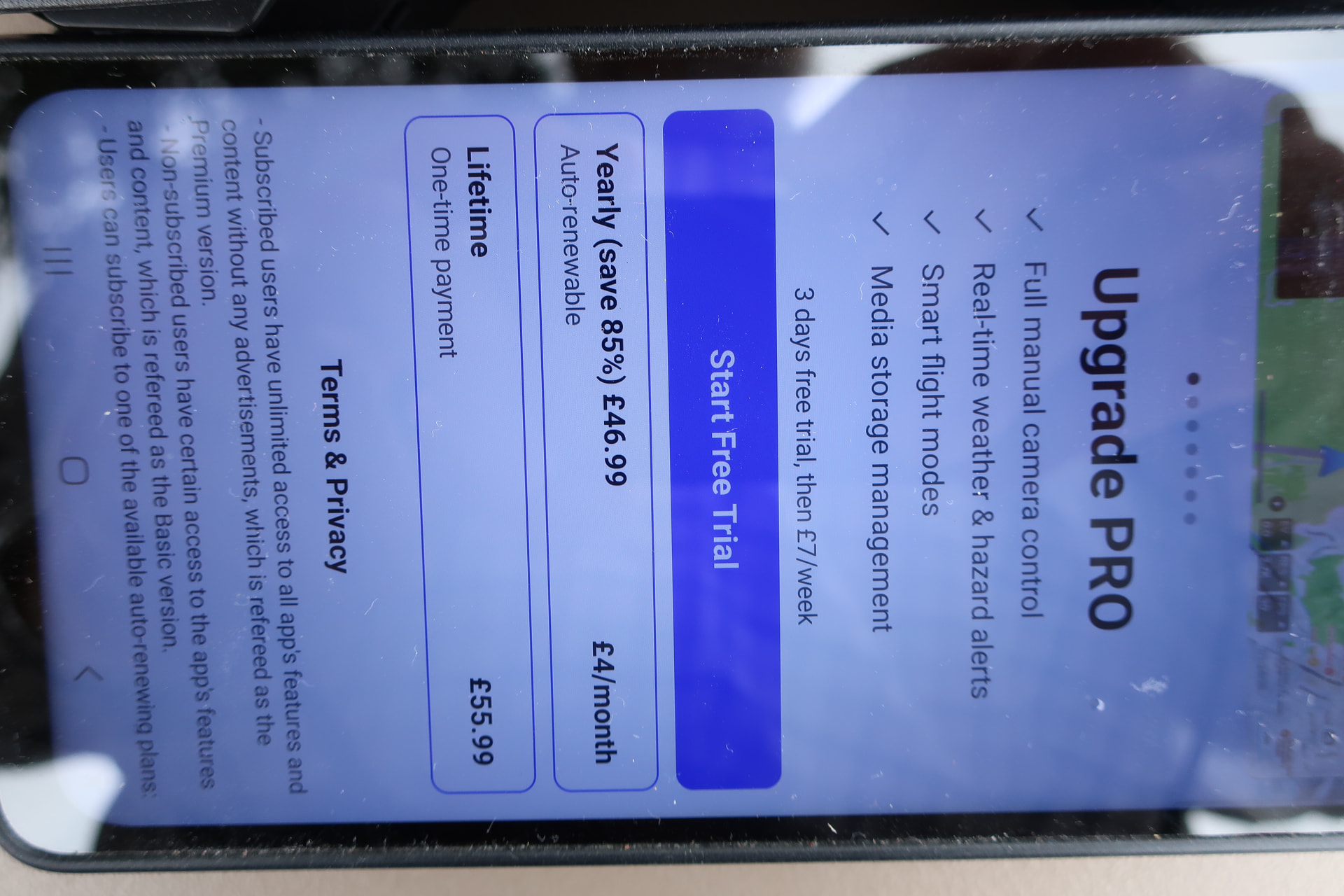
I last used my drone some months ago and worked perfectly. NB I use an Android phone as the controller. Now I try to use the drone it starts normally and i can fly it but I cannot connect the camera. Each time I see the message “Connect the camera” I click on the message and get an advert to upgrade to PRO (which I don’t want to do), then it cycles back to the previous screen and I can’t find anyway past it. Any help would be greatly appreciated.
Many thanks for your offer of help.
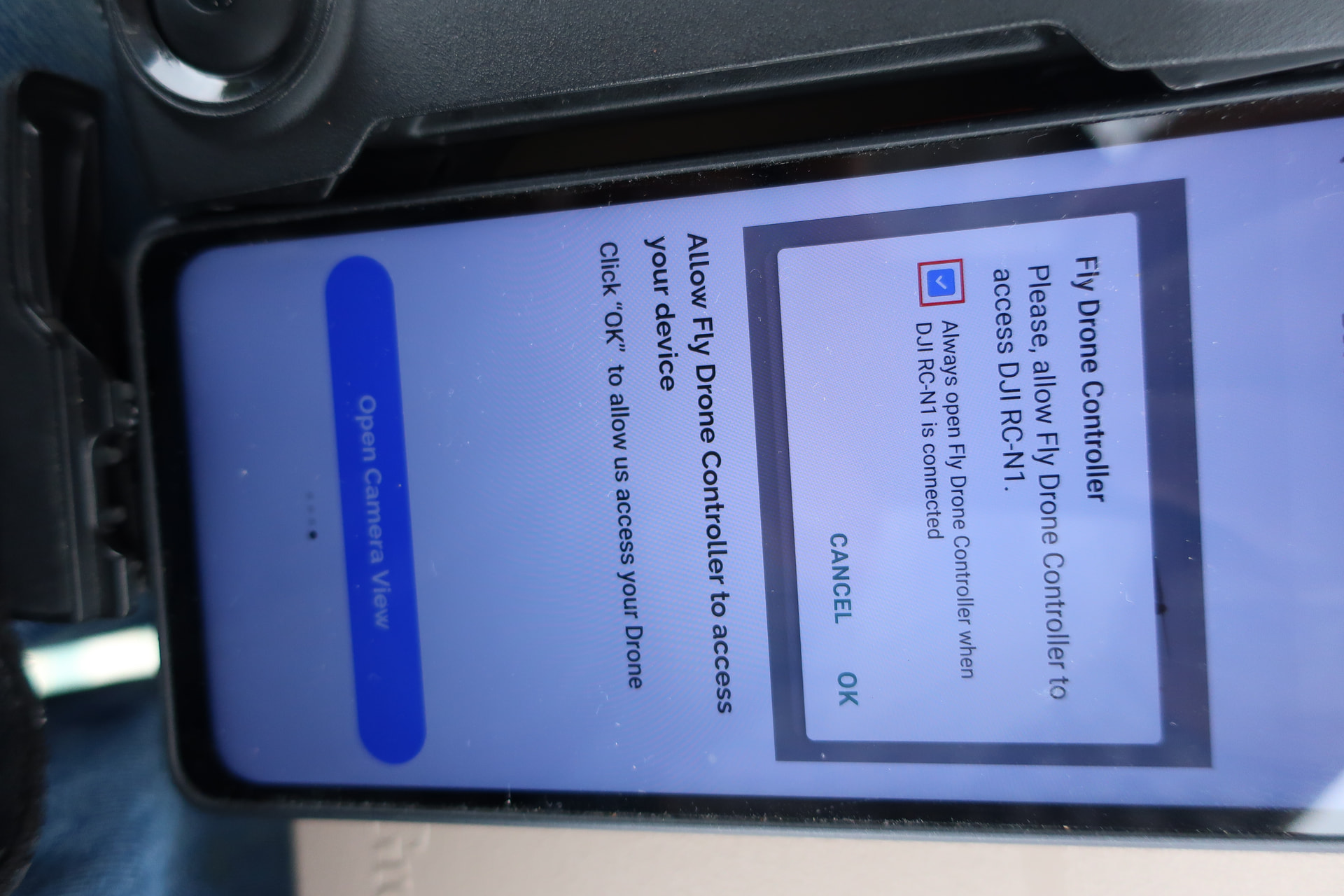
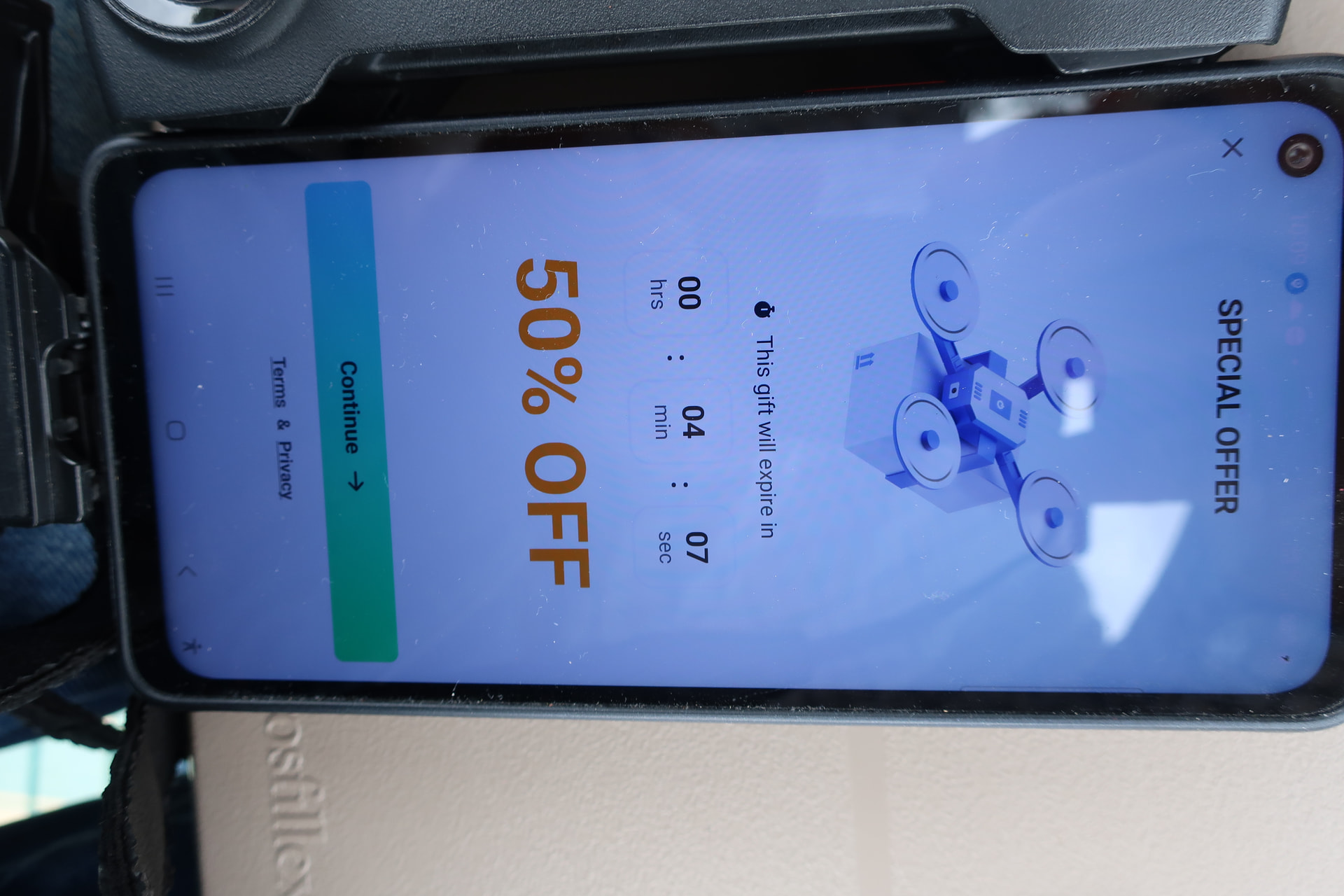
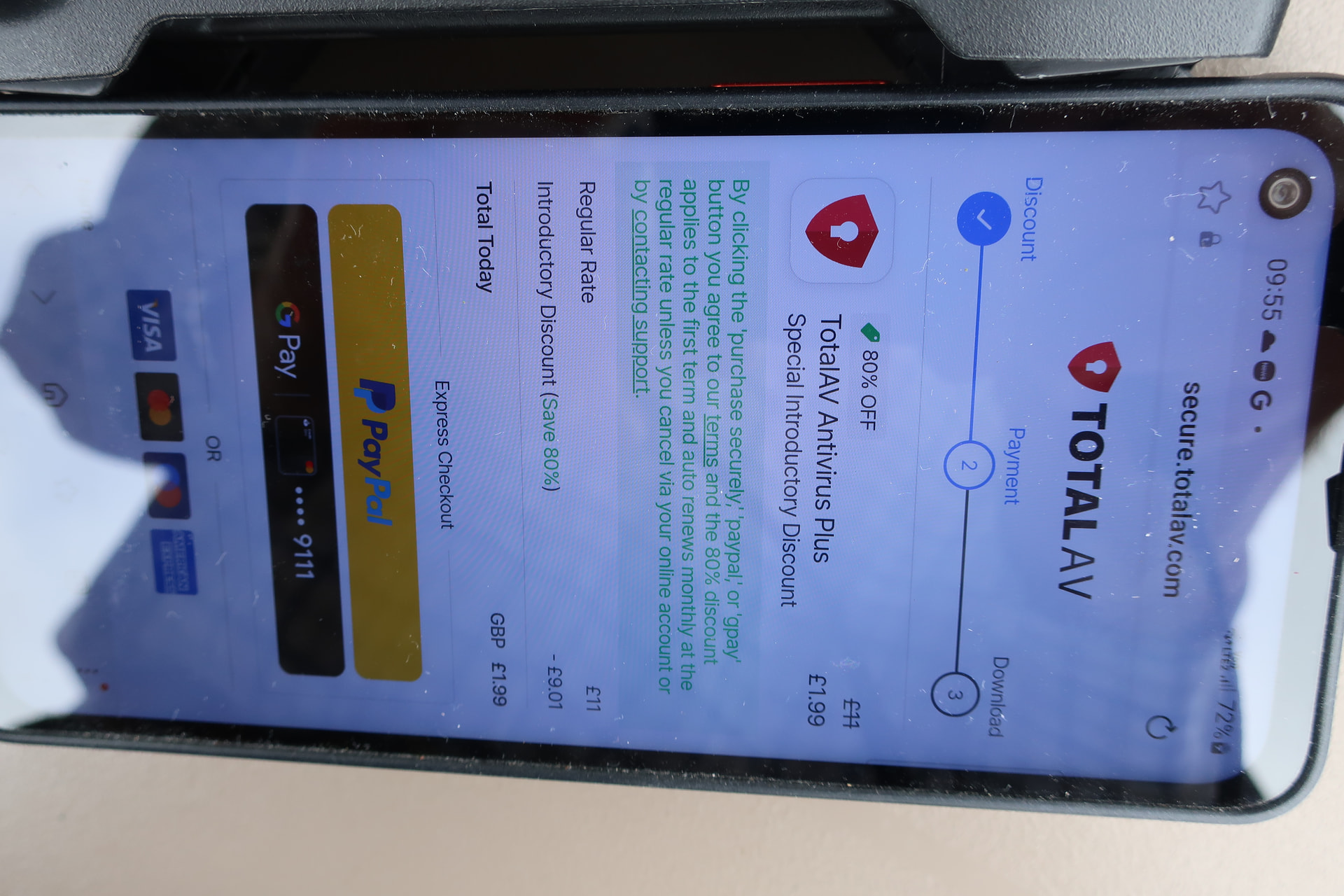
I’ve uploaded all the screens showing the adverts that I get when trying to connect to the camera to the controller. I delete each ad screen in the normal way, eg the “Upgrade to PRO” ad has a cross in the top LH side of the screen. These ads appear on my screen when I press “Continue”, or “Connect The Camera”
NB Various icons automatically added themselves to my phone when I was updating the original app. These were “Go Fly Drone”, “Drone Controller”, “Fly Go:Drone Flight Controller” and “Fly Go 4”. I haven’t deleted any of them yet as none of them let me go past the ads.
The problem is that you’re using other apps instead of DJI Fly. Since DJI no longer makes DJI Fly available through the Google Play Store, you’ll need to manually download and install it from DJI’s website here.
Many thanks for the information. Sorry for the delay in replying but I’ve been having a LOT of problems with my phone. I eventually managed to do the DJI download and have just done a successful test flight!