Hi,
My videos are punctuated by jerky or still sections. The SD cards are suitable and I’m sure used to play videos ok in the past.
Any ideas please?
C
Hi,
My videos are punctuated by jerky or still sections. The SD cards are suitable and I’m sure used to play videos ok in the past.
Any ideas please?
C
edited, reply removed by me, the poster, I confused you with another member… Sorry…
but are you sure it is the video that is bad and not the player, your PC/tablet,/phone, etc and it just might be having problems keeping up with the video… to play 4K or higher video you need a relatively fast device. My old PC had horrible playback in 4K…
Hi LT,
Yes, it may be my computers, they’re about 4 or 5 years old.
C
Here is a possible way to verify if the PC is to blame… If you have a PC (I do not know about Apple…).
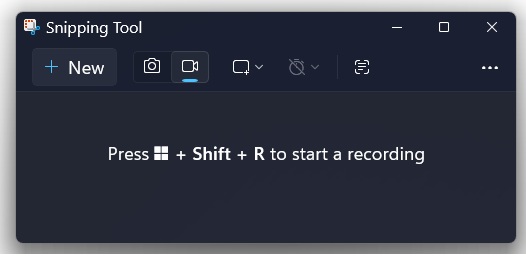
Get your viewer ready to run, activate the Snipping App (it will record the image on the monitor…) and set it to record video, while Snapping is recording the monitor screen, play your video for a short time until it stutters…, and save the video…
Do it all again and then compare the two videos of the recording made of your video playing… If the stuttering, etc… occurs at different times, you can be pretty sure your videos are good.
Hi LT,
I tried some videos on different computers, and players, and there was a big difference between them, so it isn’t the videos, and I’m looking for a new laptop.
C.
If you are shopping for a New laptop, bring a thumb drive with a video with you and check it on the new computer before you buy… Have fun… My new HP Desktop with an I5 CPU runs the 4K videos fine as did my I3 CPU Dell All-in-One, but the Dell is actually more responsive, so all the innards count, not just the CPU…
Hi LT,
Good idea. My son’s on the case.
C